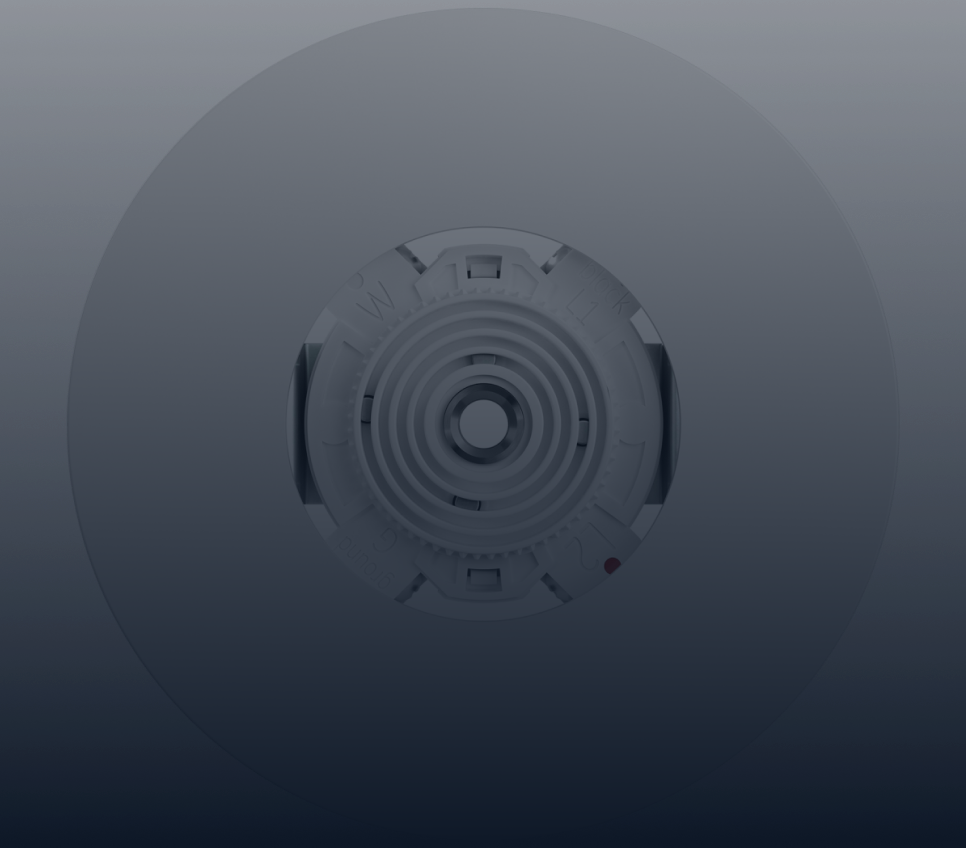
DIY Home Automation Guide for Beginners
DIY Home Automation Guide for Beginners SKYX Videos Store Products SkyPlug & SkyOutlet SkyFan All-In-One Platform Smart Canopy Lighting Base Plug & Play Lighting Base Partners Investor Relations Resources News & Events About Us Contact SKYX Video Store SkyPlug SkyFan All-In-One Platform Products Partners Investor Relations Resources News & Events Contact Customer Support About Us Company SKYX AI Collaboration with NVIDIA... Read More June 19, 2024 DIY Home Automation Guide for Beginners Are you thinking about turning your house into a smart home? You're in the right place! Smart home automation platforms , like Sky Platforms, can make your life easier and more convenient. This guide will help you get started with simple steps and easy-to-understand instructions. By the end, you'll know how to control lights, locks, and even your thermostat from your phone. Let's explore the world of smart home technology together! Getting Started with Home Automation Before diving into the world of home automation, it's crucial to understand the basics and set up your foundation. Here's what you need to do: Step 1: Choose Your Smart Home Hub A smart home hub acts as the central nervous system for all your devices. Popular options include: Sky Platforms Smart Hub : Known for its user-friendly interface and seamless integration with various devices. Amazon Echo : A versatile option with Alexa, allowing voice control over your gadgets. Google Nest Hub : Combines Google Assistant with a smart display for additional functionality. Step 2: Select Your Devices Once you have your hub, you can start adding devices. Here are some popular categories to consider: Smart Lights : Control the brightness and color of your lights using your phone. Smart Locks : Enhance your home security with keyless entry and remote locking features. Smart Thermostats : Save energy and maintain comfort by adjusting your home's temperature from anywhere. Step 3: Install and Configure Installing and setting up your devices is easier than you might think. Follow these simple steps: Connect Your Hub : Plug in your hub and follow the setup instructions on its app. Add Devices : Use the app to add new devices. Most will require you to scan a QR code or enter a setup code. Customize Settings : Personalize your devices' settings to suit your preferences, Step 4: Integrate with Voice Assistants To make your home automation even more intuitive, consider integrating your devices with popular voice assistants. This step can significantly enhance user experience and convenience. Alexa : If you have an Amazon device, enable the necessary skills for each smart device in the Alexa app. Google Assistant : Use your Google Home app to link devices and control them using voice commands. Siri : For Apple users, the HomeKit ecosystem allows you to control devices through Siri. Step 5: Create Routines and Automations Now that your devices are up and running, take them to the next level by setting up routines and automations. These allow your smart home to perform multiple actions with a single command or automatically based on certain conditions. Examples of Routines Morning Routine : Turn on the lights, adjust the thermostat, and play your favorite morning playlist with a single voice command. Away Mode : Set your smart locks to engage, turn off unnecessary lights, and lower the thermostat when everyone leaves the house. Setting Up Automations Identify Triggers: These could be time-based (e.g., sunset), location-based, or conditional (e.g., when you lock the front door). Define Actions : What do you want to happen when the trigger occurs? For instance, turn on outdoor lights at sunset. Test and Adjust : Make sure everything works smoothly and tweak as necessary. Troubleshooting Common Issues Even with the best setup, you might encounter some issues. Here are solutions to common problems: Connectivity Problems : Ensure your Wi-Fi signal is strong and your devices are within range of your hub. Device Compatibility : Double-check that all your devices are compatible with your chosen hub and voice assistants. App Glitches : Sometimes, simply restarting the app or your hub can resolve most issues. Conclusion With these steps, you should now have a basic, well-functioning smart home setup. Remember, smart home technology is constantly evolving, providing new and exciting ways to make your life more convenient and efficient. Stay updated on the latest trends and don't hesitate to expand your system with new gadgets and routines. Enjoy your new smart home lighting system ! Need More Innovative Smart Home Devices? Click here to explore and purchase the latest innovative devices! Products SkyPlug & SkyOutlet Plug & Play Lighting Base Smart Canopy Lighting Base All-in-One Platform Partners Manufacturers Lightings OEMs Electrical Wholesalers Retailers Builders Contractors Resources Sky Receptacle Specifications Sky Plug Specifications CEU For Architects Company Investor Relations Press Release SEC Filings In The News Privacy & Policy IMAP Policy Terms of Service Product Warranties Contact info Location: 11030 Jones Bridge Rd #206, Johns Creek, GA 30022 Phone: +185****7584 Products SkyPlug & SkyOutlet Plug & Play Lighting Base Smart Canopy Lighting Base All-in-One Platform Partners Manufacturers Lightings OEMs Electrical Wholesalers Retailers Builders Contractors Resources Sky Receptacle Specifications Sky Plug Specifications CEU For Architects Company Investor Relations Press Release SEC Filings In The News Privacy & Policy IMAP Policy Terms of Service Product Warranties Contact info Location: 11030 Jones Bridge Rd #206, Johns Creek, GA 30022 Phone: +185****7584 2026 - SKYX Platforms Corp. All Rights Reserved